
TAYAL TRADERS · Android app
All Video Downloader & Player
A browser, a download manager and a Full HD player in one Android app. Pick the quality you want from a supported page, save the file, then watch it offline.
Questions about the app?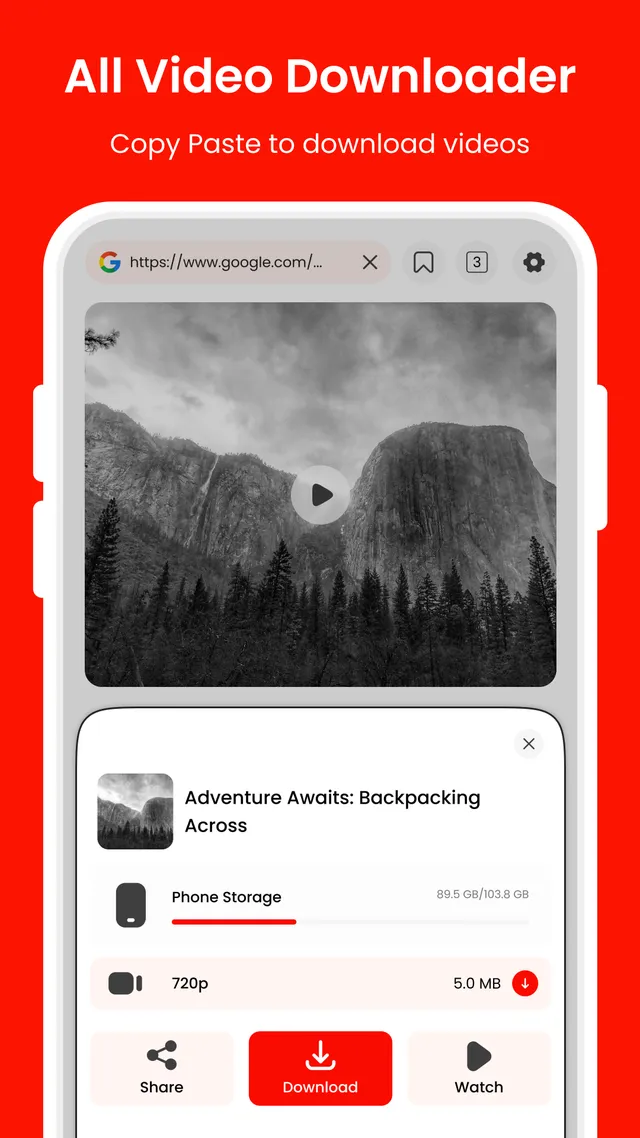
 Proxy browser
Offline player
Proxy browser
Offline player
Screenshots
Six screens, start to finish
What it does
Built around four jobs
Browse without leaving the app
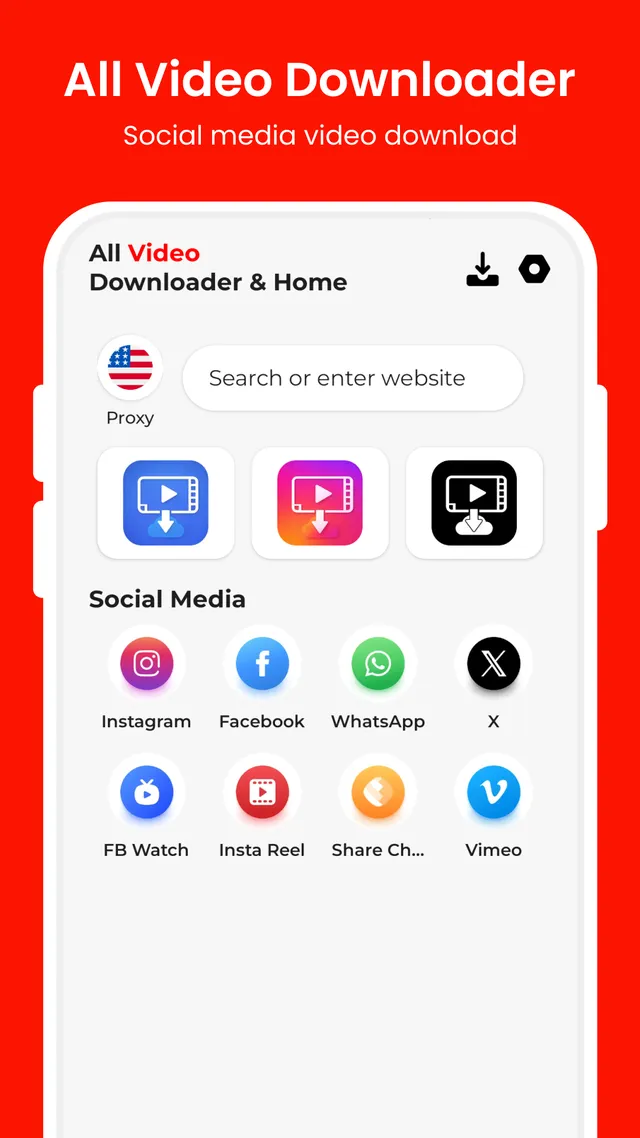
Search or type a web address in the built-in browser, which supports a proxy. One-tap shortcuts open popular social platforms, short-video apps, reels and status posts.
Choose the quality first
Copy a link in, and the download sheet lists what the source offers. Each option shows its resolution, such as 720p or 1080p, and the file size before you commit.
Multi-threaded transfers
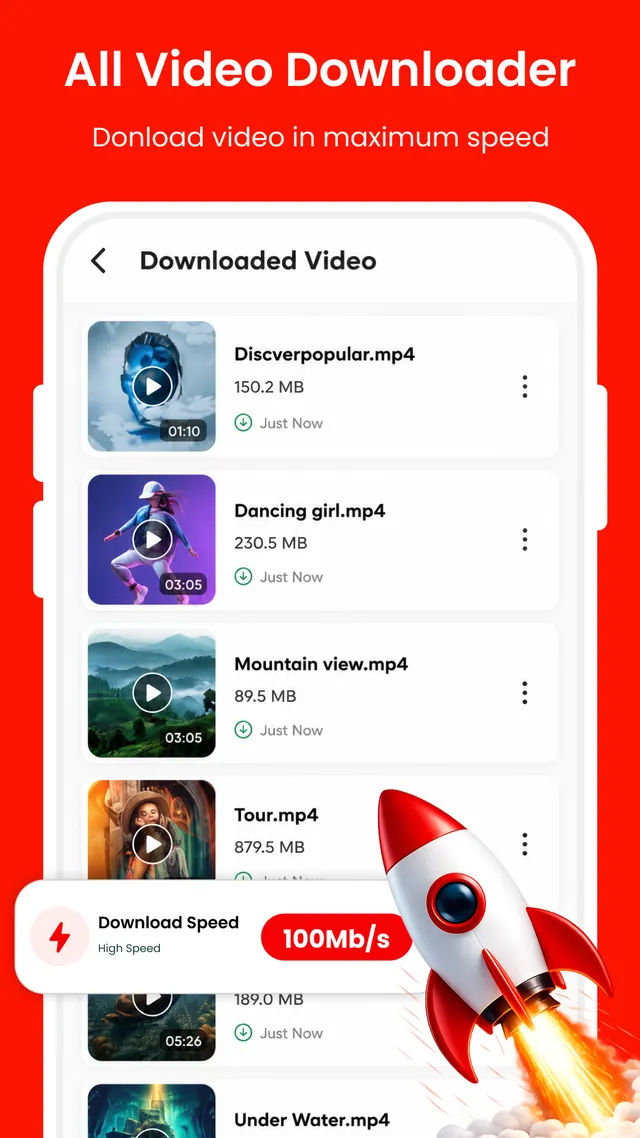
The download engine splits a file across several threads at once. In-app, this is marketed as a speed boost of up to 100 Mb/s; the real figure depends on your connection and the source.
A player worth keeping
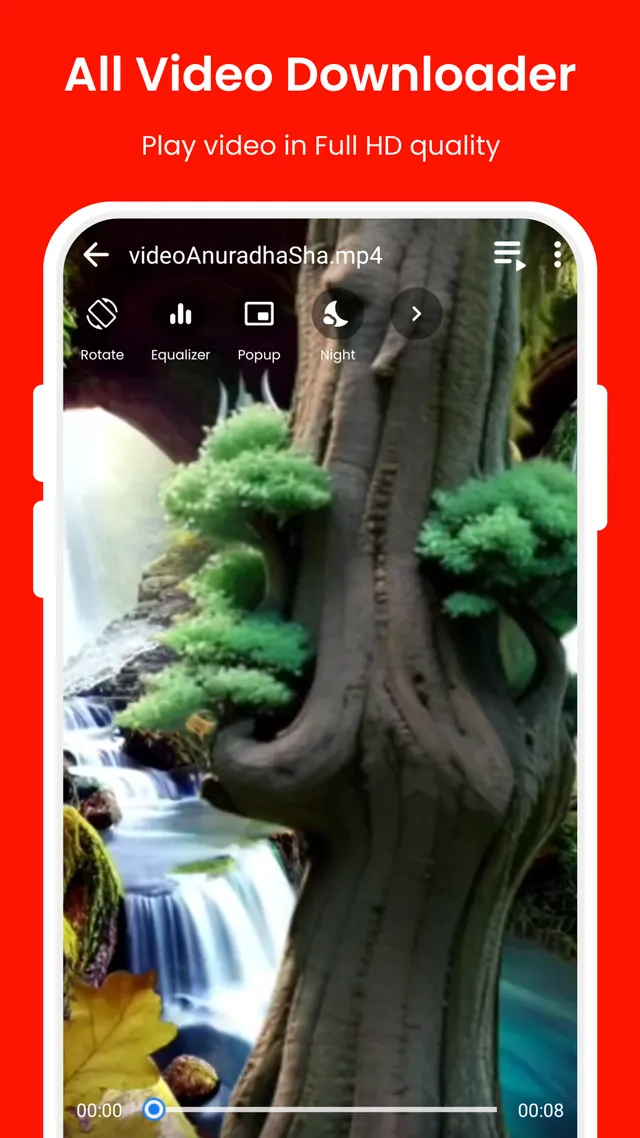
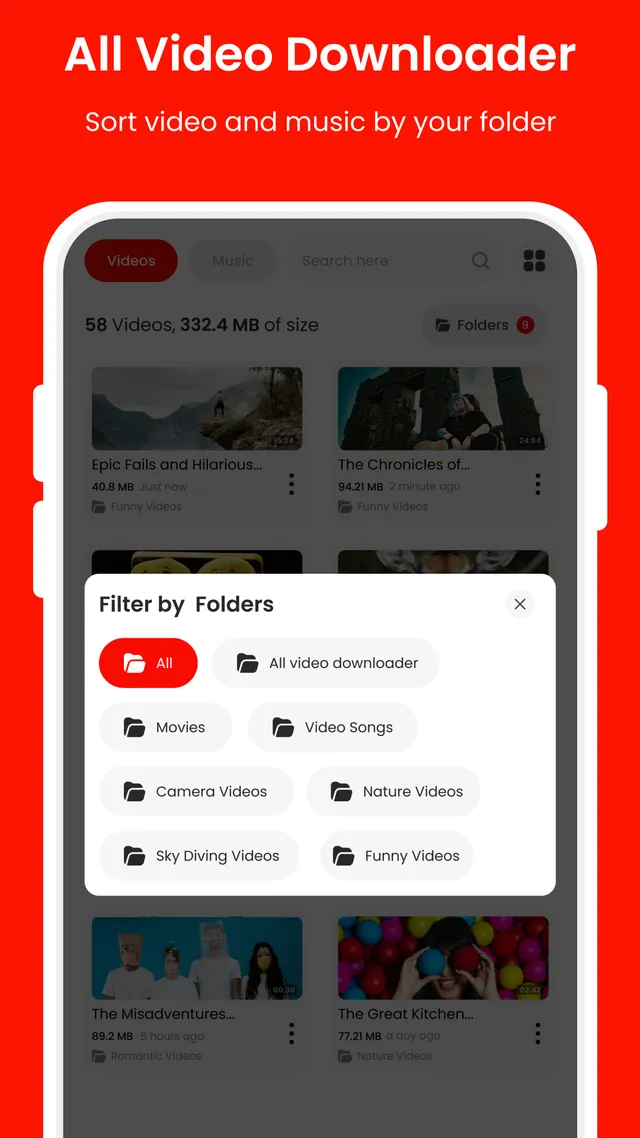
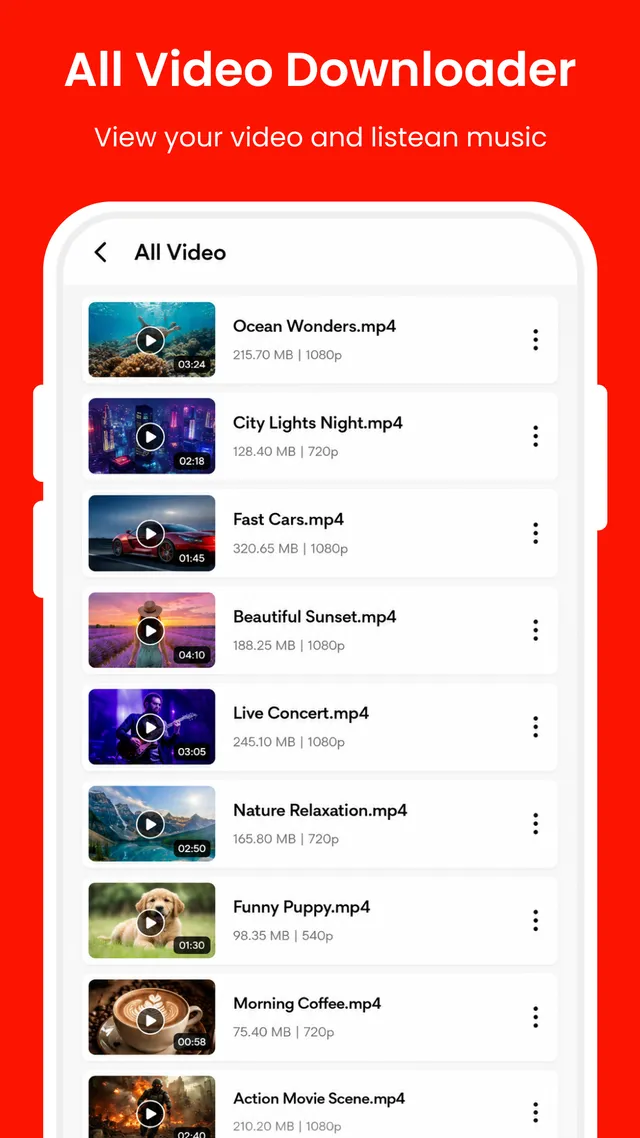
Full HD playback with Night Mode, a built-in equalizer and a popup floating player. Swipe for brightness, tap to rotate, and organise the library by folder or storage use.
How it works
From link to library
-
Open the page
Use the built-in browser to search or enter an address, or paste a link you copied elsewhere. The shortcut row saves you typing for the sites you visit often.
-
Pick and confirm
The download sheet shows the qualities the source makes available, each with its file size, alongside how much storage you have left.
-
Play it back
Finished files go straight to the media manager. Sort them by folder, share them, or open them in the Full HD player with no connection needed.
Download responsibly
Save only what you own or have permission to keep, and respect the terms of the site you are on. Downloading from YouTube is not supported and is prohibited. What a source makes available can change at any time, so availability is never guaranteed. Read the responsible-use notes.
Data safety
What the Play listing declares
- The app collects no data
- Nothing is shared with third parties
- Data is encrypted while in transit
These three lines mirror the Data safety declaration TAYAL TRADERS currently files with Google Play for All Video Downloader & Player. Should the declaration change, this page is updated to match it.
App details
The facts on one line
- Platform
- Android, Google Play only
- Price
- Free to install, contains ads
- Category
- Video Players & Editors
- Content rating
- Everyone
- Last updated
- Aug 22, 2026
- Support
- contact@tayaltraders.shop
Advertising transparency
TAYAL TRADERS is the advertiser behind All Video Downloader & Player. Campaign management is handled on our behalf by Aquarius Infotech, an independent agency, while Gopal Mansukhbhai Savaliya settles the Google Ads media charges under a monthly invoicing arrangement. See how that relationship is structured.
Install All Video Downloader & Player
Free to install from Google Play. Contains ads. Android only.